
A WordPress multisite SaaS turns one WordPress installation into a network of paid sub-sites.
Agency founders use this model to launch platforms with low overhead. Developers use it to keep complete control over the architecture.
But a growing network breaks easily. You must manage billing, user access, and software licensing for hundreds of tenants. Heavy plugins will crash your database and slow your servers.
You need a lean stack to handle the business logic. Here is the exact setup you need.
How Will You Handle Media Storage Across The Network?
The first step in your setup is storage. A growing network crashes when hundreds of subsites save their uploads to one local server. Disk space fills up. Page load times increase. Your main server eventually drops concurrent requests for images and documents.
You must move your media files off the web server. Connect your network to object storage like AWS S3, Wasabi, or DigitalOcean Spaces using Objects.ws. This routes all subsite media directly to dedicated cloud storage.
Your pages load faster, and your local disk stays clear. Configure this storage first, then add the 5 plugins below to run your business.
The 5 Essential Plugins For Your WordPress Multisite SaaS Stack
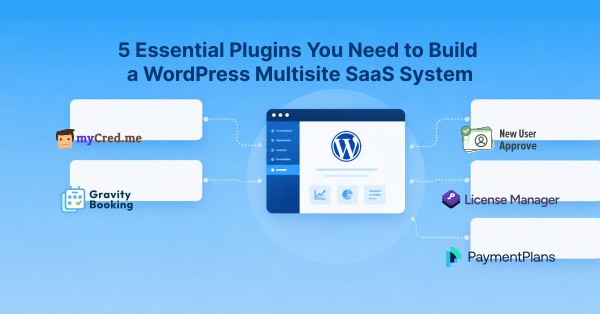
Here is the WordPress multisite SaaS plugin stack for smooth WordPress development:
myCred

myCred is a points and rewards loyalty plugin that adds a virtual economy to your WordPress site. The plugin lets you assign loyalty points to user actions, track user balances, and connect points to real currency through WooCommerce. The core plugin is free and open-source, while a library of over 100 free and premium addons provides specific integrations.
Best for: Founders who want to increase daily user engagement by building a custom loyalty program or a points-based payment system.
Key features:
- Users earn points by completing specific actions, like daily logins or profile updates.
- The system awards digital badges and assigns ranks based on user activity.
- Users can buy platform points with real money using the buyCred add-on.
- Users can redeem points for cash or WooCommerce discounts.
Pricing:
The core plugin is free. Premium plans and bundles with various add-ons start at $99.00 per year.
Gravity Booking
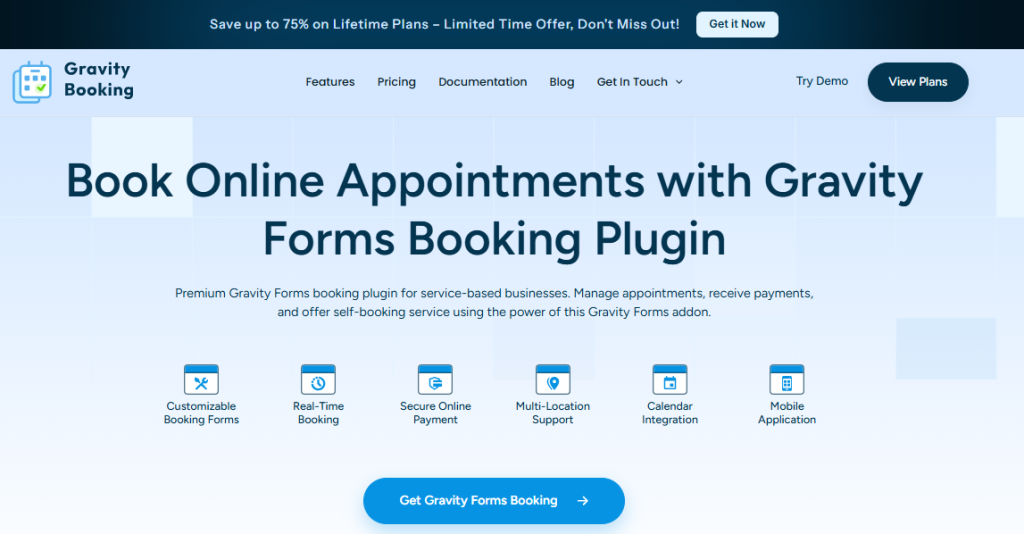
Gravity Booking is an appointment scheduling add-on built specifically for Gravity Forms. It turns standard forms into a complete WordPress booking system, allowing businesses to accept, manage, and track bookings directly from their WordPress dashboard.
Best for: Service businesses, clinics, and consultants that need native scheduling capabilities without paying for external software.
Key features:
- Handles scheduling for multiple locations and individual staff members.
- Syncs in both directions with Google Calendar to prevent double bookings.
- Accepts online payments during the booking process through gateways like Stripe and PayPal.
- Adjusts automatically for local time zones.
- Includes a mobile app to manage appointments away from a computer.
Pricing:
A free basic version is available. Premium plans start at $79 per year.
New User Approve
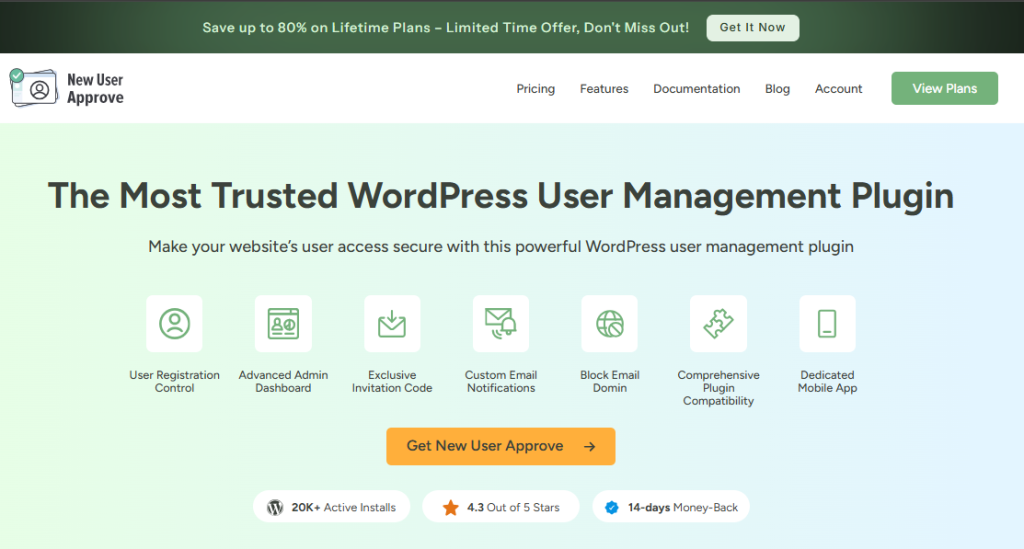
New User Approve changes the standard WordPress user approval process by requiring an administrator to approve new accounts. This user approval WordPress multisite SaaS plugin holds all new signups in a pending state and stops unauthorized users from logging in. Administrators review and manage these requests from a centralized dashboard.
Best for: Founders who need to manage private communities, vet B2B clients, or restrict access during closed beta launches.
Key features:
- Administrators approve or reject new user registrations manually.
- The system sends customizable email notifications to users when their account status changes.
- You can generate private invitation codes that bypass the manual approval queue.
- The plugin blocks blacklisted email domains automatically to prevent spam registrations.
- A Zapier integration connects your registration data to external tools like Slack and Google Sheets.
Pricing: A free version is available on the WordPress repository. Premium plans start at $59.99 per year.
License Manager for WooCommerce
License Manager for WooCommerce adds software licensing to your store. This WordPress SaaS plugin generates, delivers, and tracks license keys for customers when they buy digital products.
Best for: Founders and developers who sell proprietary software, child themes, or API access and need automated key delivery.
Key features:
- Generates and delivers license keys instantly at checkout.
- Validates and activates keys remotely using a REST API.
- Terminates access automatically if an order is refunded or canceled.
- Imports and exports existing license keys in CSV and PDF formats.
- Encrypts license keys before storing them in the database.
Pricing:
A free version is available on the WordPress repository. Premium plans start at $129.99 per year.
Payment Plans for WooCommerce

Payment Plans for WooCommerce adds native installment billing and deposits to your store. Customers split costs over time directly on your checkout page. The WooCommerce-led multisite SaaS plugin handles automatic recurring billing through your existing payment gateways.
Best for: Founders selling expensive annual plans or premium software who want to avoid third-party financing fees.
Key features:
- Creates custom installment schedules and billing intervals.
- Collects upfront deposits.
- Retries failed payments automatically through Stripe and PayPal.
- Sends automated email reminders for upcoming or overdue payments.
Pricing:
Premium plans start at $59 per year.
How This WordPress Multisite SaaS Stack Connects
These 5 WordPress plugins create a connected system. You can map a user’s path from their first visit to their daily activity across your network.
| Stage | User action | Infrastructure |
|---|---|---|
| Access | Registers with a private invite code | New User Approve |
| Checkout | Pays a deposit or selects an installment plan | Payment Plans for WooCommerce |
| Delivery | Receives automated software license keys | License Manager for WooCommerce |
| Growth | Earns points for completing their profile | myCred |
| Scale | Books an onboarding call with your team | Gravity Booking |
Last Word
A WordPress multisite SaaS relies on clear architecture. Local media storage and manual administration will break the platform as your user base grows.
Offload your media files to object storage first to protect your server bandwidth. Then install the plugins that automate your billing, restrict user access, and retain customers. Choose the exact tools that match your recurring revenue model.