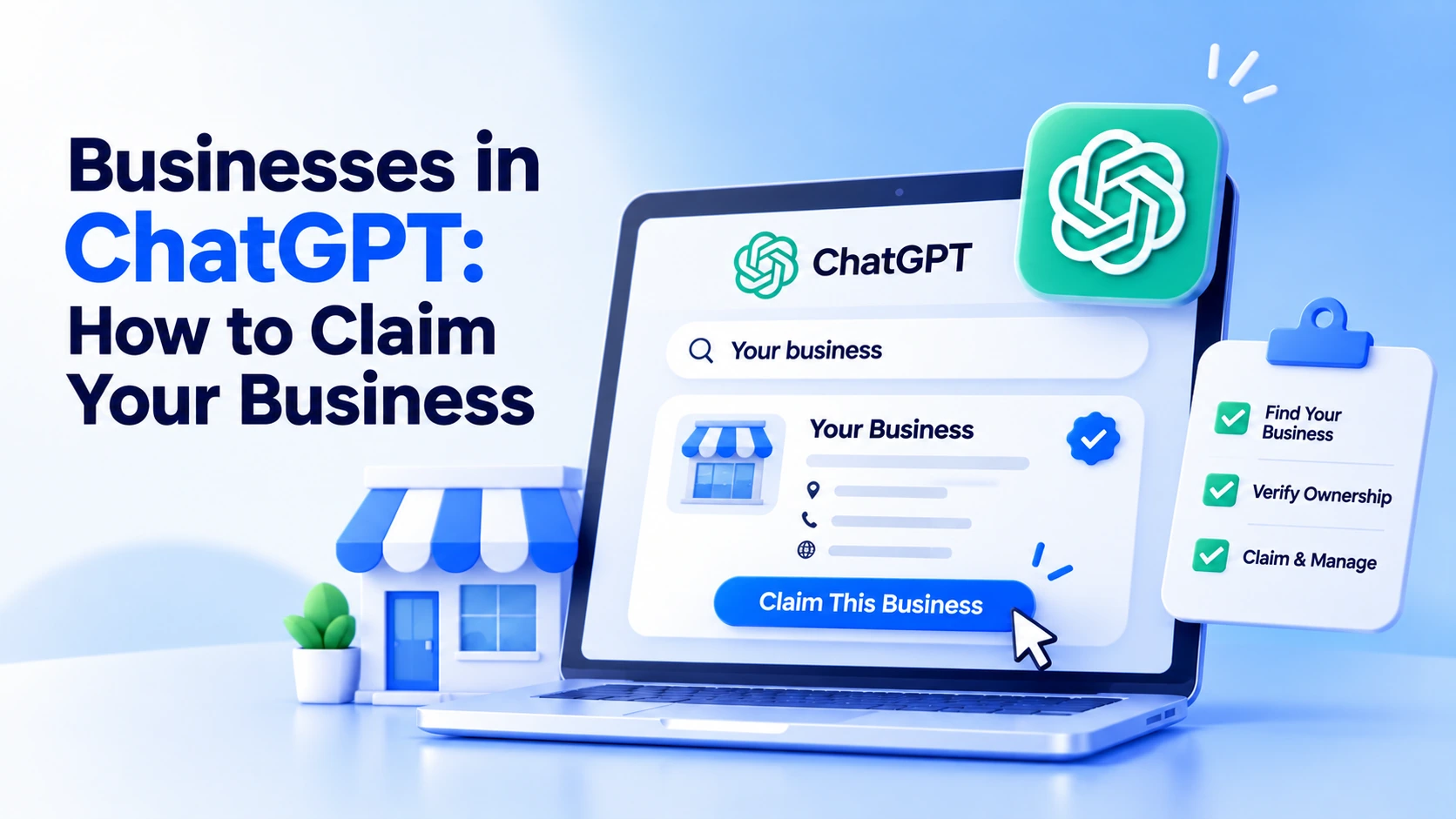
As you may be aware, you can now claim your business in ChatGPT. OpenAI launched Businesses in ChatGPT in beta on November 10, 2026. Through Business Hub, you can claim your business and update your information, including product details, how users perceive your business after clicking through to your website, and how ChatGPT describes you.
Per OpenAI, any eligible business located where ChatGPT exists can claim its business. Remember, Business Hub is now available in the Netherlands.
Furthermore, OpenAI has enabled businesses to engage with users through Business Agents, a separate conversation where customers ask about your products; this is currently available only to eligible e-commerce and online service businesses in the United States.
What Do You Mean by Businesses in ChatGPT?
Businesses in ChatGPT comprise three facets (OpenAI):
- Managing Your Profile: Once you claim your business, you can update your name, description, category, logo, website, and delivery and returns policy. It also lets users connect a product feed with prices and stock if they sell.
- Insights: See how often ChatGPT mentions or describes your business to existing and potential customers, how many users click through to your website, and which topics or areas you are shown or mentioned in.
- Business Agent: A chat on your business’s behalf replies to queries using the information and instructions you provide. Currently, this applies to the US only.
In reality, once a profile gets a claim, it receives a blue tick in ChatGPT. That said, your identity needs to be checked to get a blue tick. Users need to be mindful: According to OpenAI, claiming does not guarantee higher placement or more sales; ChatGPT still makes its own recommendations and comparisons.
You should read its version history to learn how the leading generative AI chatbot got started.
How to Claim Your Business in ChatGPT?
To claim your business in ChatGPT, as per OpenAI’s help article, here is what you should do:
Open Business Hub: Sign in to ChatGPT, open Business Hub from the sidebar, and discover your business by name. If you don’t see it but manage your online business, you need to add it. Remember, local restaurants and shops can currently only claim an existing US listing.
Choose the Account: Authenticate or ensure which ChatGPT account will handle the business. It is recommended to use a company account rather than an employee’s personal one.
Verify: Select one of the methods offered: a code sent to your business phone number or company email, a TXT record in your domain’s DNS, or connecting your Shopify store.
Wait for Approval. OpenAI assesses the claim and then informs you of its decision through an email.
Complete the Identity Check: Through Persona, a third-party verification service, you present yourself and describe your business. OpenAI also requires government ID, business registration details, and proof of authority. If you don’t follow this step, you will not be able to make changes, see and analyze insights, or connect a feed.
Update Your Profile: OpenAI reviews changes before they are properly applied. ChatGPT can take time to reflect them in its answers, and it may keep using other sources.
Lastly, ensure your name, address, and registration number (such as your Companies House number) exactly match your official records. Unfortunately, OpenAI may flag a mismatch as a failed verification reason. Anyone who claims the business can include colleagues and give agency access, each with their own ChatGPT account.
What Insights Do You Get?
According to the OpenAI Help Center, Insights cover the past 28 days and are shown only when there are enough conversations.
- Mentions: Your online business relies heavily on mentions, and a mention’s value doubles when ChatGPT references your site. If you manage a local business, ChatGPT displays your location, and a mention’s importance grows exponentially.
- Website Clicks: It shows how many times users click through from ChatGPT.
- Discovery Topics: Recurring themes in answers that identify your business. You should not confuse them with users’ queries.
What It Cannot Do Yet?
It is in beta mode, which indicates:
- No Business Agents Outside the US: OpenAI intends to cover more markets and categories in the future.
- Not Every Industry: OpenAI can deny or refuse a claim and doesn’t cover every industry for the time being.
- No Central Management: Each brand is handled separately, and claiming the main brand does not claim its locations.
- No Purchases or Bookings: A Business Agent can help describe products and policies and can link them to your website.
- No Guarantee. If you claim and connect a feed, it doesn’t guarantee that ChatGPT will suggest you regularly.
What to Do Now?
- Your customers Discover You through Your Network: Claiming doesn’t cost much, but it won’t tell you much when mentions are scarce.
- You manage a Local shop or Restaurant Outside the US: The help article reveals that these can currently only claim a US listing. Confirm whether your business is mentioned in Business Hub.