
What is WordPress? You must have heard this phrase from someone’s mouth in your life. WordPress is a comprehensive CMS (Content Management System) that has transformed productivity and impact across industries and niches worldwide.
Unsurprisingly, 43% of all websites on the internet rely heavily on WordPress. Above all, WordPress currently has a tremendous 60.5% share in the CMS market.
This blog post will discuss what WordPress is and what its crucial benefits are in detail.
WordPress Basics: Beyond Blogging
WordPress was launched as a blogging platform, helping writers share their stories with others online. Today, it is an open-source CMS (content management system) that millions of users trust globally.
What Websites Can We Create Using WordPress?
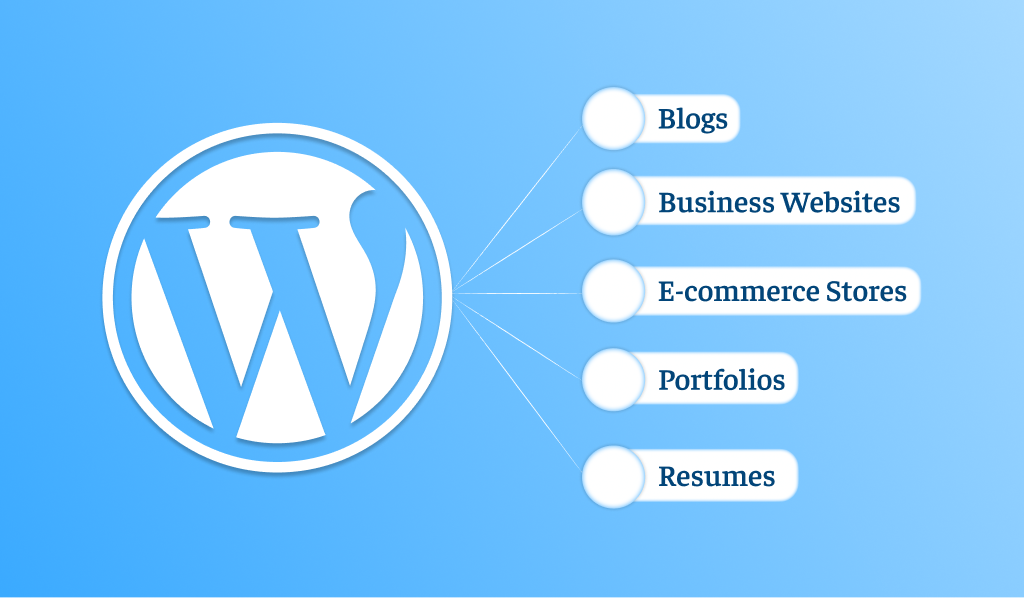
WordPress began as a blogging tool. However, this blogging tool has become one of the most sought-after content management systems. In short, WordPress helps users build any site they want, regardless of niche.
For instance, WordPress enables users to build a perfect online e-commerce store from scratch. Besides, it helps them create:
- Blogs
- Business Websites
- E-commerce Stores
- Portfolios
- Resumes
- Forums
- Social Networks and many more!
WordPress.org vs WordPress.com
- WordPress.org, also termed as self-hosted WordPress. It works like open-source WordPress software, letting you develop your own site.
- WordPress.com is a premium service that enables users and businesses to create full-fledged WordPress websites, helping them fulfill the diverse needs of their target audiences.
When we say ‘WordPress’, this means that we refer to self-hosted WordPress accessible at WordPress.org.
What is the Difference Between WordPress.org vs WordPress.com (Comparison Table)
| Feature | WordPress.org | WordPress.com |
| Hosting | Users need to buy hosting separately. | Users don’t need to purchase hosting. WordPress.com hosts a site by default. |
| Cost | It is free of cost. | Users will purchase a paid plan to get many features. A free plan fulfills the basic requirements. |
| E-commerce | Users can easily install any e-commerce plugin. | It offers many e-commerce features in its paid plans. |
| SEO | It supports SEO by offering a significant mix of plugins and desirable features. | Paid plans are more suitable for SEO activities. |
| Support | Users can benefit from communities, forums, and social media. | It provides dedicated support to users on paid plans. |
Customization & Features: All the Reasons Users Can’t Stop Loving WordPress

Here’s why users can’t get enough of WordPress: you can make it 100% yours—without being a tech wizard.
- WordPress Themes: Your website comprises various templates, files, and scripts. All these elements help manage a site’s appearance and layout.
- WordPress Plugins: You can transform the functionality of your WordPress site by configuring WordPress plugins on it. Likewise, they help improve the productivity of a WordPress website with numerous powerful features.
- Page Builders: Smartly create engaging yet results-driven web pages using a visual, drag-and-drop interface, without coding. WordPress includes a built-in page builder called the Block Editor.
- Responsive Designs: WordPress allows users to create stunning websites that look attractive on desktops, laptops, mobile devices, and other devices.
- SEO-friendly websites: WordPress supports SEO; therefore, you can use multiple plugins and features that help enhance your site’s rankings in SERPs.
The above features provide a practical answer to the query “What does WordPress mean?”
Technical Aspects: How WordPress Works Under the Hood
This section will discuss the technical side of WordPress.
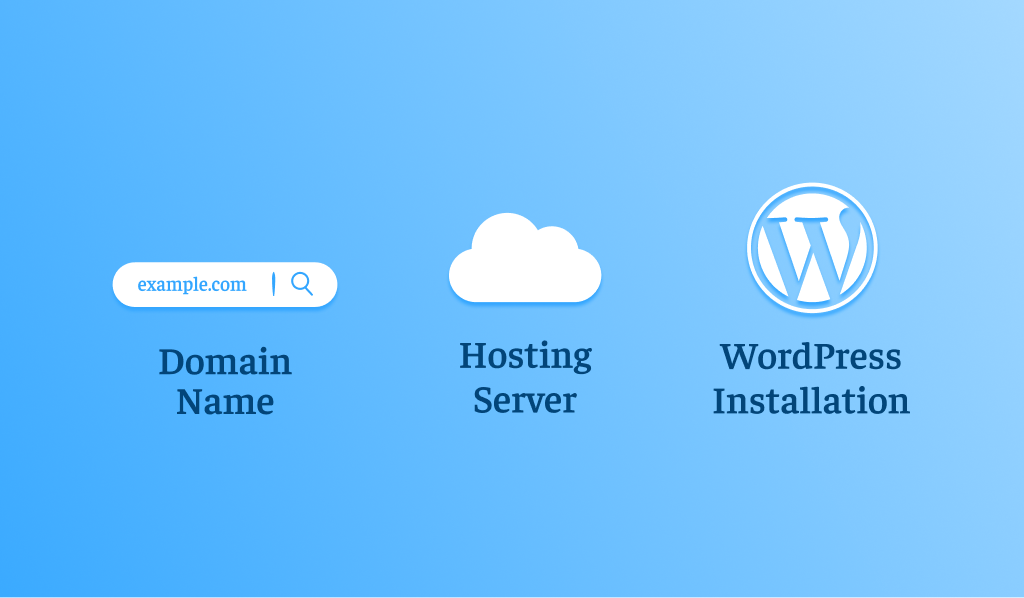
WordPress Hosting Providers
Various WordPress hosting providers enhance the performance and outcome of WordPress sites through web hosting services. They provide users with a wide range of impactful features, such as one-click installation, automatic updates, and performance enhancements.
Prominent web hosting services are Hostinger, Kinsta, HostGator, DreamHost, and more.
Domain Name for WordPress
You can think of a domain name as a site’s address, which comprises a name and an extension. For instance, xyz.com is the domain name in which xyz is the name and .com is an extension. Unsurprisingly, every domain name is uncommon and different from the other.
WordPress Installation
Installing WordPress is simple and doesn’t require any rocket science. However, ensure you have finished setting up the domain and hosting.
WordPress Updates and Security
WordPress updates play a crucial role in making sites more secure and productive over time. Security is not limited to updates alone; it also involves deploying various protective measures, such as configuring security plugins, enabling backups, and activating two-factor authentication.
Benefits & Use Cases: Why Use WordPress for Websites?
Alright, so we’ve answered “What is WordPress?” but the real question is, why use WordPress for websites? Let’s look at some real-world scenarios.
WordPress for Small Businesses
Small businesses prefer WordPress for its cost-effectiveness, flexibility, and professionalism. Want contact forms, bookings, or product displays? You can set it all up, no developer required.
In this scenario, you can rely on WordPress development services that let you revolutionize your small business by optimizing different aspects of your WordPress site, including website content, layout, speed, functionality, etc.
WooCommerce
Wish to sell online? A WooCommerce plugin turns WordPress into an online store. Sell anything like products, downloads, or services. Millions of businesses already depend on the leading plugin. To build an impactful online e-commerce store, consider using WooCommerce development services.
WordPress Portfolio Websites
Creatives love WordPress. Imagine turning your website into a virtual art studio. Freelancers, designers, and photographers love this software as it helps showcase their work in style with themes built just for portfolios.
Scalable Websites with WordPress
From side projects to global brands, WordPress can handle it all. Scaling up is never a worry, as big players like TechCrunch and BBC America have complete trust in it.
Personal Blogs and Passion Projects
Even though WordPress has grown into a flexible platform, it remains a leader in blogging.
Who Uses WordPress?
Every small or large business can use WordPress. Likewise, any individual can use a popular platform to build their desired site. According to colorlib, a site that is famous for offering free site templates for WordPress specifically, different multinational brands and businesses use WordPress, including:
- The New York Times Company
- Meta Newsroom
- TechCrunch
- Hypebeast
- Wired
Wrapping Up – What is WordPress
WordPress is one of the easiest ways to develop websites for various niches. This means you can create a personal website or an ideal e-commerce store, depending on your needs.
WordPress is excellent for businesses and individual users alike who want to attract diverse customer bases in the best possible way.
That’s because they can use WordPress to develop remarkable websites and e-commerce stores without fuss.
FAQs
Q1 What is the primary function of WordPress?
As its primary function, WordPress helps users effectively organize and manage content. Likewise, users can craft blogs and efficiently revamp existing content. Moreover, they can benefit from features such as videos, images, and documents through an interactive user interface.
Q2 What is WordPress used for?
WordPress is a leading CMS that helps develop sites across multiple niches and manage blogs and websites.
Q3 Why would you use WordPress?
As you may be aware, WordPress supports SEO. As a result, you can smartly configure numerous SEO plugins on your WordPress site. This will help you improve your on-page optimization.
Q4 What is WordPress CMS?
WordPress is a famous content management system (CMS). In simple words, it is a software application that allows users to develop, manage, and publish digital content without coding.
Q5 Who needs WordPress?
Undoubtedly, millions of users worldwide depend on WordPress. 43% of all sites use WordPress, a testament to the platform’s popularity. Therefore, consider using WordPress to build your business or personal website.
Q6 Is WordPress easy for beginners?
WordPress for newbies is a user-centric platform. In addition, users can take advantage of a wide range of guides, tutorials, and other helpful resources available online.
Q7 What is a WordPress website?
A WordPress website is a site developed with WordPress as its primary CMS (Content Management System).
Q8 What is headless WordPress?
Headless WordPress is a crucial architectural approach that deploys WordPress as a chief content management system (CMS), with its conventional front-end (the “head” or theme) removed.
Q9 What is better than WordPress?
The phrase “What is better than WordPress?” relies heavily on the user’s requirements. However, they can go with other alternatives like Shopify for e-commerce, Webflow for advanced designing, and Squarespace for flexibility, convenience, and simplicity.